
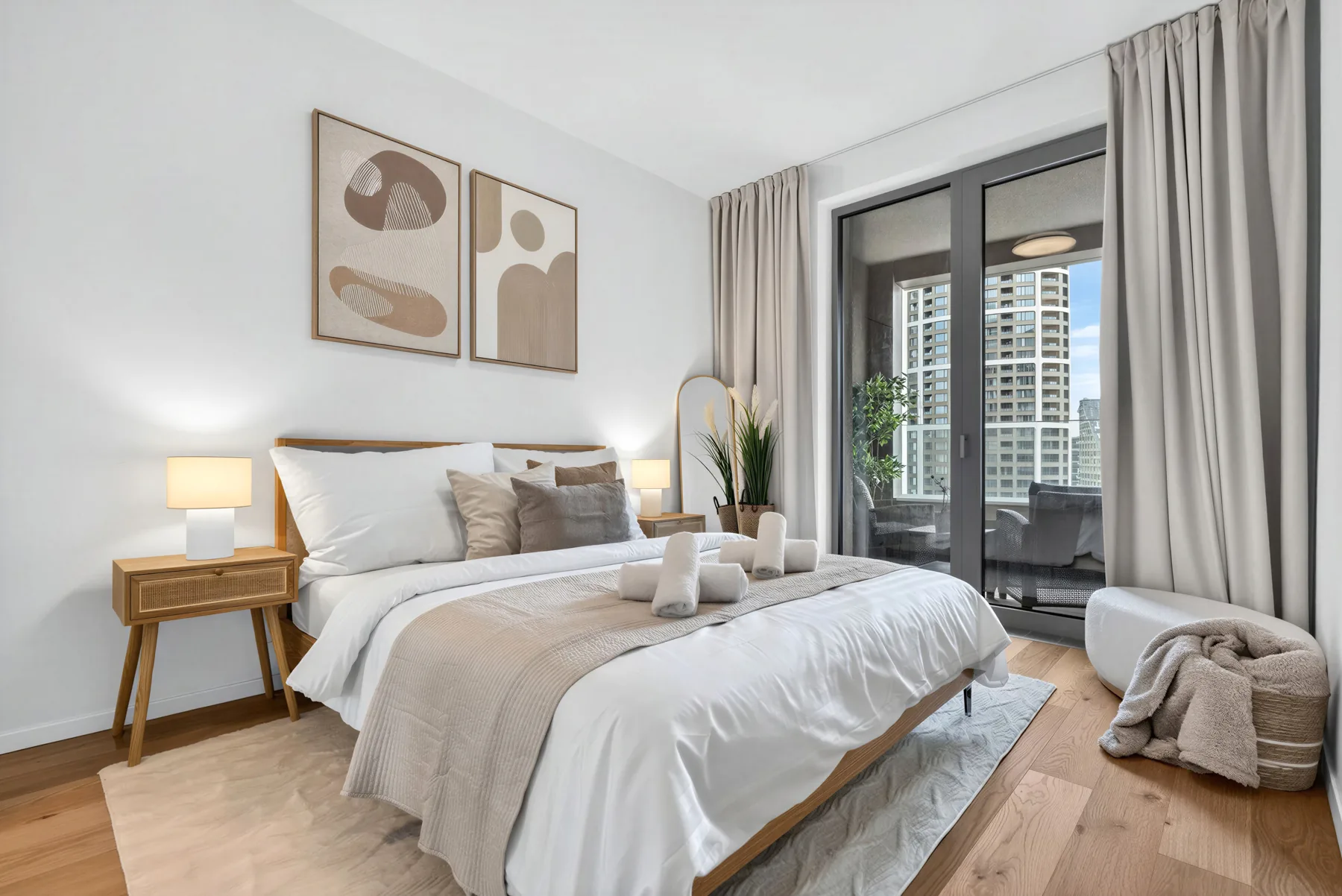
A small list that will facilitate the beginning of cooperation.
A well-prepared handover saves time and prevents misunderstandings. You don't have to have everything sorted out before the first interview. However, an overview of the condition of the apartment, its operation and your expectations will help.
Basic materials
- Address, layout, area and current photos.
- Overview of equipment, known faults and planned repairs.
- Energy costs, internet, house management and other regular payments.
- House rules, access to common areas and parking.
- Existing bookings or tenancies and desired start date.
Agree on decision-making
Be clear about who approves equipment purchases and repairs, what the budget is, and how emergency breakdowns are handled. Also say in advance when you want to use the apartment yourself and how often you need an overview of the operation.
Delivery according to the selected model
With the new rental model, keys and accesses are confirmed separately, and the condition of the apartment and equipment is documented by a video recording. Meter statuses are a separate attachment if LIVE-IN bears the energy according to the contract. For other contracts, we proceed according to their terms. Manuals and warranty documents will facilitate later service. Submit sensitive access data in an agreed secure manner, not in public comments.
Before the first guest
Verify the functionality of the equipment, arrival at the house, internet and cleaning readiness. The signed contract in itself does not mean that the apartment is already ready for reservations. We will set the launch date according to the completed steps.
For the first contact, the city, apartment parameters and your intention are enough. We will go through the rest gradually.
All articles